Knowing how to host a virtual career fair starts with a format (scheduled, queue-based or hybrid), a platform that handles registration and live conversation, and a tested setup. Choose virtual when wider access matters more than a physical floor.
Say your team cannot staff another campus trip but still wants to meet students. A virtual fair can fill that gap, provided you plan it as its own event rather than a video copy of a booth. The wider work sits under campus recruiting, so if that is new to you, start with what is campus recruiting.
Choosing virtual or in-person
A virtual fair suits you when reach and access are the constraint. Remo’s overview says virtual formats remove physical bottlenecks and give students and employers clearer access and better reach. Handshake positions its virtual fairs as a way for students to get hired remotely, which makes the format a natural fit for remote roles.

The difference from a physical fair is mostly logistics rather than purpose. A queue-based virtual fair has students join lines at booths, which Remo describes as mimicking the physical fair floor. The conversation still happens, but it moves through a screen and a platform instead of a hall.
- Pick virtual when you want students from many campuses, when travel is the obstacle, or when the roles you are filling can be done remotely.
- Stay in person when the atmosphere of a physical floor is the point of attending. A queue model gets closest to that, but it is still a different experience.
- Prepare both the same way by knowing what your booth must communicate. The planning in career fair booth ideas carries over to the physical side of your programme.
Matching the format to your team
Three formats cover most virtual fairs, and the right one depends on how many recruiters you can put online and how much structure you want. The table sets out what each solves.
| Format | How it works | Suits | Planning use |
|---|---|---|---|
| Scheduled | Students book 10-minute slots in advance | Small teams that want predictable conversations | You know your calendar beforehand and can review who booked |
| Queue-based | Students join lines at booths | Teams that want the feel of a physical fair floor | Plan recruiters to cover each booth while lines form |
| Hybrid | Scheduled sessions run alongside open, drop-in booths | Teams with both a presentation and open conversations to offer | Use sessions such as a keynote or panel for high-impact content, and booths for everything else |
Format descriptions are drawn from Remo’s guide to how a virtual job fair works.
If you are hosting for the first time, the scheduled model is the easiest to control because the slots define the day. Move to hybrid once you have content worth presenting to a group.
Platform features to look for
The platform is the venue, so it needs to do more than stream video. Remo describes a virtual event platform as one that manages registrations, organizes employer information, enables live conversations and captures student profiles and resumes. Treat that as your baseline checklist.
Registration and candidate data
A registration platform should collect student details at sign-up and keep them available to recruiters. It should also keep your event timeline and deadlines clear for attendees, a job an event registration app can do. Without it, you rebuild a candidate list by hand after the event.
Conversation and scheduling
Students should be able to join live chats, attend sessions and book one-on-one meetings. Candidate scheduling matters most in the scheduled and hybrid formats, so confirm slot booking works before you commit to a platform.
Spaces and movement
Look for branded spaces and the ability to move between breakout rooms. This lets you keep a general booth open while a recruiter takes a deeper conversation in a separate room.
Building the virtual booth
A virtual booth is your employer page and your conversation space at once, so it has to explain itself quickly. Remo lists the minimum content as a company overview, open roles or internships, eligibility criteria and short videos.
Clarity decides whether students stay. If a student enters and cannot quickly see who the company is or what it offers, the visit ends there. Lead with the roles and who may apply, then add the video for people who want more.
Technical setup before the day
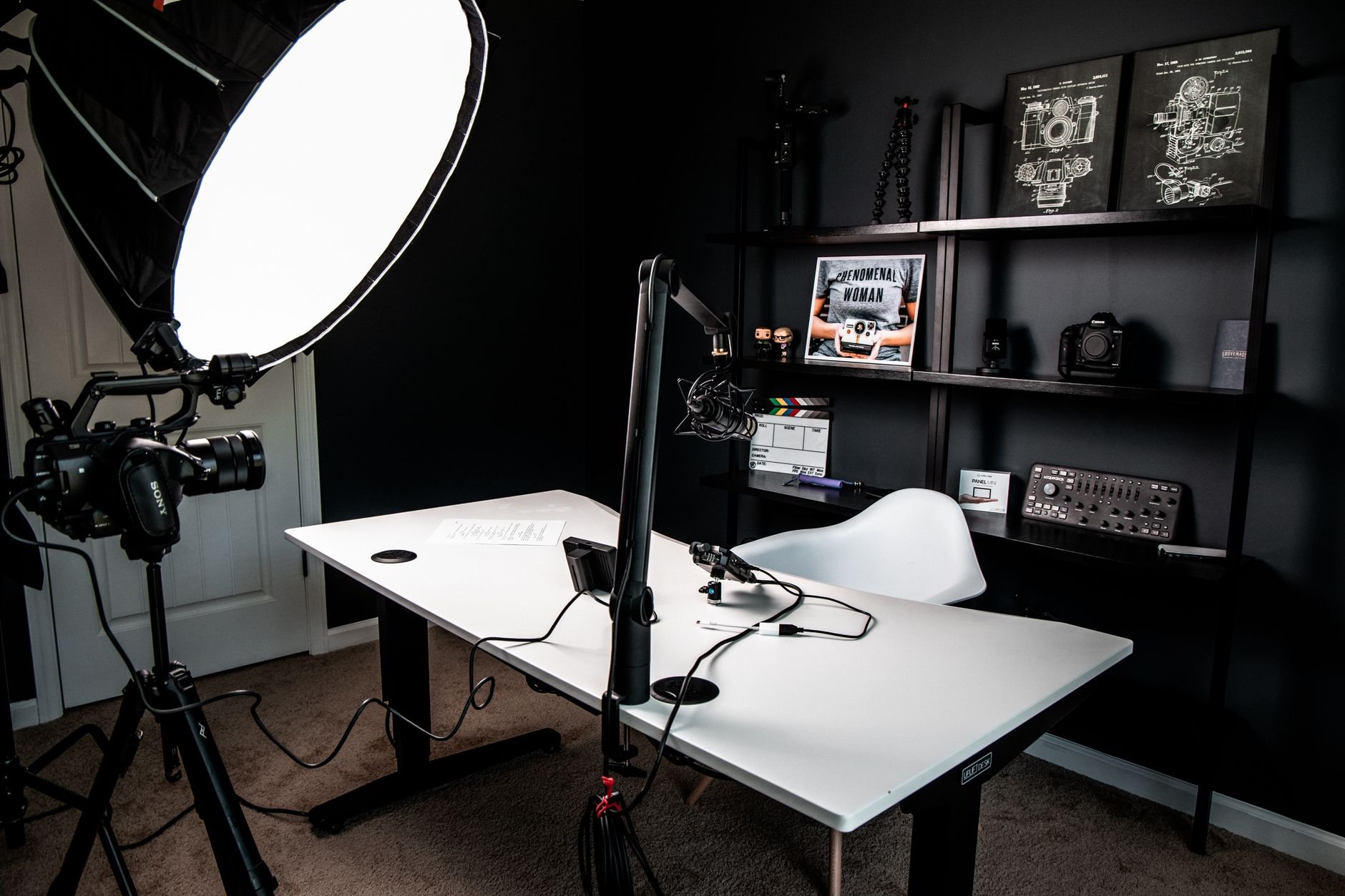
Test your equipment well before attendees arrive. Career-resource guidance for fair attendees advises testing the video conferencing tools the day before, and the same discipline protects the host. A recruiter who fumbles audio loses the short window a student has.
The same guidance recommends getting familiar with the platform functions you will need, such as muting and screen sharing. Walk through each one in the platform you chose, and have a colleague join as a test attendee so you see what students see.
Pick the date and time with attendees in mind. Memberclicks advises considering the most appropriate date and time for your attendees, which for student audiences means working around their class schedules.
Running the live event
On the day, your job is to keep conversations moving and the booth staffed. In a scheduled fair, each 10-minute slot is booked ahead, so you can see how many students you will meet and review their profiles first. Remo notes that this means recruiters are not walking in cold and have visibility into who is attending.
In a queue-based or open-booth format, students arrive without a booking, much like walk-ins on a physical floor. The approach to how to conduct walk-in interviews applies to those unscheduled conversations. Keep a clear opening question ready so each student gets a useful exchange from a brief chat.
Keeping students engaged online
Engagement starts before the event. Handshake’s guidance tells students to sign up for sessions early and research the employers they will meet. Publish your session list and booth details early so prepared students have something to act on.

Once students are in, give them several ways to talk to you. They can check out companies, join live chats, attend sessions and book one-on-one meetings, so a visible chat prompt and a clear booking option lower the effort of starting a conversation. Student attendance also depends on the profile they filled in at registration, so use what they shared to open with something specific.
Following up with candidates
Your platform already holds most of what you need. Because it captures student profiles and resumes, you can sort conversations by role and interest straight after the event instead of relying on memory.

Expect students to move quickly. Career-resource guidance tells candidates to send the recruiter a thank-you email a day or two after the interview, so have your replies and next steps ready in the same window. For people who do not answer your messages, Memberclicks suggests it is fine to send another email or two before letting the thread rest.
Frequently asked questions
| Question | Answer |
|---|---|
| What should registrants receive after they sign up? | Detailed post-registration emails, according to Memberclicks’ event guidance, so attendees know how and when to join. |
| What do students share when they register? | They fill out profiles with details such as major, skills, career goals and a resume, as described in Remo’s overview. |
| Can a virtual fair support remote hiring? | Yes. Handshake presents virtual career fairs as a route to being hired remotely, which suits roles that do not require a physical location. |